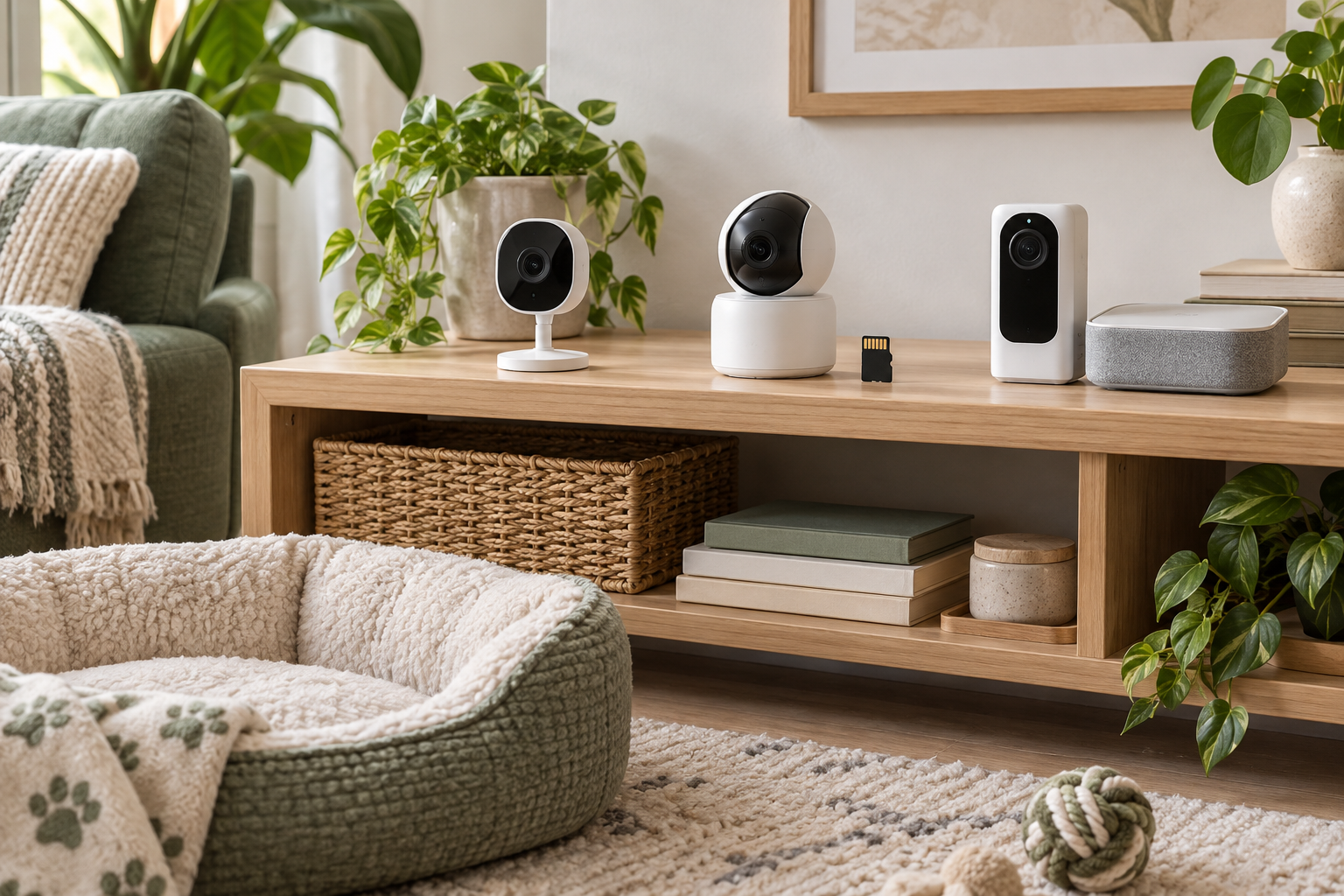
A camera is a convenience for occasional viewing. It cannot guarantee that a pet is safe, replace an in-person caregiver, diagnose distress, or treat separation-related behavior. Power, internet, storage, software, or notification failures can interrupt access without warning.
Quick Comparison
Start with a microSD camera when saved clips matter and you are willing to buy compatible media, manage storage, and secure a device that may be reachable in the room. Choose free live view without recording when you only want brief check-ins and do not need a history. Compare a local-hub system when storing footage away from the camera and adding compatible cameras may justify the higher initial cost and extra hardware.
Skip every option whose documentation does not clearly separate included features from trials and paid tiers. Also skip a new purchase when an existing secure indoor camera already provides the needed view without an unwanted fee.
Confirm What “No Subscription” Actually Includes
Use a simple test before ordering: write down the single function you need, then find that function in current documentation for the exact model. Check whether it works after any included trial ends. “No subscription required” may describe basic live view while saved clips, longer history, person or pet labels, richer alerts, sharing, or cloud storage remain paid.
- Base access: confirm whether live view requires only the device and account or also a plan, hub, or separately purchased storage card.
- Recording: check whether footage is stored on a card, hub, phone, or cloud; how it is played back; and whether the camera overwrites old files.
- Alerts: separate basic motion notices from paid labels or recorded event previews. A notice is not proof of what happened.
- Trial terms: note the end date and which functions disappear afterward. Set up and test the free tier while the return window is open.
- Ongoing costs: include compatible cards, hubs, replacement cables, electricity, and eventual hardware replacement—not just the advertised plan price.
Selection Criteria That Matter
- Useful view: test the proposed position with a phone before buying. A wide specification does not guarantee the pet's usual bed or doorway will be visible.
- Power and network: verify cord length, supported Wi-Fi, signal at the location, restart behavior, and what remains available during an internet outage.
- Account security: use a unique password, enable multi-factor authentication when offered, review shared access, install updates, and remove access when it is no longer needed.
- Household privacy: aim away from private areas and windows, tell household members and visitors about recording, understand microphone use, and follow applicable laws.
- Local-storage handling: confirm compatible media and capacity, safe removal, formatting, overwrite settings, playback method, and whether recordings are protected if the camera or card is taken.
- Placement: use a stable surface or maker-approved mount. Keep cords, cards, adapters, and small parts completely beyond pet reach and away from water, food splashes, litter dust, heat, and direct glare.
- Returns and support: confirm current return terms and software support before setup because an app, account, or network mismatch can make otherwise suitable hardware unusable.
Tradeoffs by Format
MicroSD storage is compact and can avoid a recurring recording bill, but the card has limited capacity and sits with the camera. A live-view-only setup is simpler and creates less stored footage, but it cannot show what happened before you opened the app. A local hub can keep recordings separate from a visible camera and serve several compatible units, but it adds cost, cables, setup, and another device that needs updates and secure placement.
None of these formats is automatically more private. Local storage changes where footage is kept; the camera or app may still use an account, remote connection, or other online service. Read the current privacy notice and permissions, disable features you do not need, and retire devices that no longer receive needed support.
Who Should Skip a Pet Camera?
Skip a camera if feeds will increase worry, household consent cannot be handled comfortably, the only useful position leaves cords or hardware within pet reach, or the free feature set cannot be confirmed. A camera is also the wrong response to repeated panic, escape attempts, self-injury, destructive behavior, toileting changes, or other concerning signs during absences. Discuss sudden physical or behavioral changes with a licensed veterinarian; a qualified trainer or veterinary behavior professional can help assess separation-related concerns.
For room coverage, treat dispensing, and the broader category tradeoffs, read How to Choose Pet Cameras for Short Check-Ins. If the camera is aimed at a resting zone, use the small-space pet bed guide to plan a washable, accessible setup. For an absence that needs hands-on care, arrange a responsible person rather than treating a feed or alert as a substitute.
Bottom Line
The best no-monthly-fee format is the least complicated camera whose exact current documentation includes your required function without an unwanted paid tier. Compare microSD recording for local clip history, free live view for occasional checks, and a local hub for separate on-site storage. Verify the post-trial feature set, app and account requirements, compatible storage, privacy controls, placement, and full upfront cost before buying.